

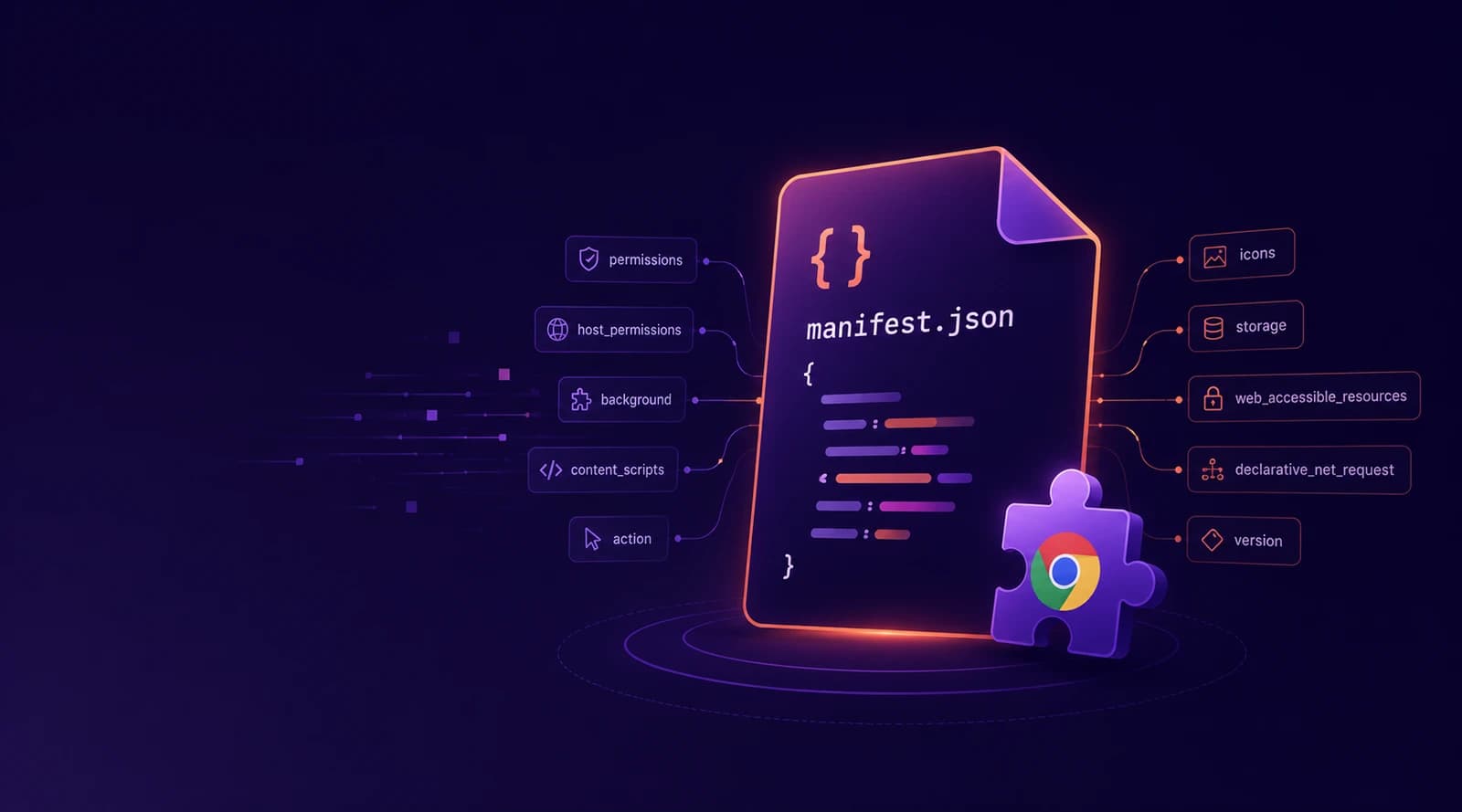
Chrome Extension manifest.json: The Complete Manifest V3 Field Guide
Every manifest.json key explained: the three required fields, UI surfaces, service workers, content scripts, the three-way permission model and the install warnings it triggers, plus the exact MV2 to MV3 migration map now that Manifest V2 is fully gone.

Mohammed Banani
0
Claps
Every Chrome extension is defined by one JSON file. manifest.json sits at the root of the extension folder and declares everything the browser needs to know: what the extension is called, what code runs where, which APIs it may touch, and what warning dialog users see before they click "Add extension". Get a key wrong and the extension refuses to load; get a permission wrong and your install prompt scares away half your users.
As of 2026 there is exactly one valid answer to "which manifest version?": Manifest V3. Chrome 138 disabled Manifest V2 extensions for all users on every channel, Chrome 139 removed the enterprise policy that let managed fleets postpone the change, and the last developer flag is being closed in the Chrome 150–151 line. The Chrome Web Store stopped accepting new MV2 submissions back in 2022. MV2 is not deprecated — it is gone.
This guide walks through the MV3 manifest field by field: the three keys that are required, the ones every real extension ends up using, the permission model and the install warnings it triggers, and the exact key-by-key changes if you are migrating old MV2 code. If you would rather build the file interactively, our Chrome Extension Manifest Generator assembles a valid manifest as you toggle features, previews the real install-warning dialog, and downloads a runnable starter extension.
The Minimal Valid Manifest
Three fields are strictly required. This loads in chrome://extensions today:
{
  "manifest_version": 3,
  "name": "My Extension",
  "version": "1.0"
}
It does nothing, but it loads — everything else in the manifest is opt-in, one key per capability. That is the right mental model: start minimal and add keys only for surfaces you actually use, because several of them (permissions especially) have user-visible costs.
A realistic baseline for a published extension adds identity metadata:
{
  "manifest_version": 3,
  "name": "Tab Tidy",
  "version": "1.2.0",
  "description": "Groups your tabs by domain with one click.",
  "icons": {
    "16": "icons/icon16.png",
    "32": "icons/icon32.png",
    "48": "icons/icon48.png",
    "128": "icons/icon128.png"
  }
}
Field rules worth knowing before the Web Store teaches you them the hard way:
name— up to 75 characters; the store truncates long names in listings.short_name(12 characters or so) is what constrained UI like the overflow menu falls back to.version— one to four dot-separated integers, each 0–65535. Novprefix, no-betasuffix; Chrome compares versions numerically for updates. Useversion_nameif you want a human-readable label like"1.2 beta".description— up to 132 characters, plain text. This shows in the store and inchrome://extensions.icons— 128px is required by the store, 48px shows on the extensions page, 16px is the favicon-scale rendering. PNG is the safe choice.
UI Surfaces: Where Your Extension Appears
Each user-facing surface is one manifest key.
action — the toolbar button. In MV3 this single key replaces both browser_action and page_action from MV2:
"action": {
  "default_popup": "popup.html",
  "default_title": "Tab Tidy",
  "default_icon": { "16": "icons/icon16.png", "32": "icons/icon32.png" }
}
If you omit default_popup, clicks instead fire the chrome.action.onClicked event in your service worker — the pattern for one-shot toolbar buttons.
options_page / options_ui — the settings page. options_ui with "open_in_tab": false renders it in an embedded dialog on the extensions page; options_page opens a full tab.
side_panel — Chrome's persistent sidebar (Chrome 114+). Set "side_panel": { "default_path": "sidepanel.html" } and add the sidePanel permission — forgetting the permission is a load-time error, not a silent failure.
devtools_page — an HTML page that runs when DevTools opens and can add its own panels via chrome.devtools.panels.
chrome_url_overrides — replace exactly one of newtab, history, or bookmarks with your own page. One per extension; users are notoriously touchy about new-tab takeovers, and the store reviews them accordingly.
omnibox — claim a keyword in the address bar: "omnibox": { "keyword": "tt" } lets users type tt, press Tab, and talk to your extension.
commands — keyboard shortcuts, each with a suggested_key and handled in the service worker. The special _execute_action command triggers your toolbar button.
Code Entry Points: Where Your Logic Runs
background — in MV3 this is a service worker, not a persistent page:
"background": {
  "service_worker": "background.js",
  "type": "module"
}
The service worker is event-driven and terminates when idle — usually within 30 seconds of the last event. This is the single biggest architectural change from MV2: no global state that survives between events, no setInterval that keeps running, no DOM. State goes in chrome.storage; scheduled work goes through chrome.alarms. Most "my MV3 extension randomly stops working" bugs are a service worker being terminated exactly as designed.
content_scripts — code injected into pages that match URL patterns:
"content_scripts": [{
  "matches": ["https://*.example.com/*"],
  "js": ["content.js"],
  "css": ["content.css"],
  "run_at": "document_idle",
  "all_frames": false
}]
run_at is document_idle (default, usually right), document_start (before the page's own scripts — needed for interception work), or document_end (DOM parsed, subresources maybe still loading). Note that declaring matches here grants your script access to those origins but also contributes to install warnings, exactly as host_permissions does.
web_accessible_resources — extension files that web pages themselves may load (an injected <img>, a script your content script adds to the page). MV3 tightened this from MV2's flat file list to a scoped structure:
"web_accessible_resources": [{
  "resources": ["inject.js", "logo.svg"],
  "matches": ["https://*.example.com/*"]
}]
Leaving matches as <all_urls> when you only need one site is a fingerprinting surface — scope it.
The Permission Model: Three Keys and One Dialog
MV3 splits what MV2 crammed into a single permissions array into three:
permissions— Chrome API capabilities:storage,tabs,alarms,scripting,notifications,contextMenus, and so on.host_permissions— origin access, as match patterns:"https://*.example.com/*", or the nuclear"<all_urls>".optional_permissions/optional_host_permissions— capabilities you request at runtime withchrome.permissions.request(), only when the user reaches the feature that needs them.
The reason to care about the split is the install dialog. Each warning-bearing permission maps to a specific user-facing sentence: history becomes "Read your browsing history", a host pattern becomes "Read and change your data on example.com", and <all_urls> becomes the trust-killing "Read and change all your data on all websites". Warnings also interact — history subsumes the weaker warning tabs would have produced, and overlapping host patterns get deduplicated.
Two permissions deserve special mention:
activeTabgrants temporary access to the current tab only when the user invokes your extension — and it produces no install warning. If your extension acts on the current page when clicked,activeTabplusscriptingalmost always beats broad host permissions, both for review speed and install conversion.scriptingis the MV3 API for programmatic injection (chrome.scripting.executeScript), replacing MV2'stabs.executeScript. It needs host access (oractiveTab) to actually inject anywhere.
This is the part of the manifest where a generator earns its keep: the manifest generator reproduces Chrome's aggregated warning dialog live as you toggle permissions — including the pattern folding and dedupe — so you can tune the permission set until the install prompt reads like something you would click yes to.
Policy and Metadata Keys
content_security_policy— an object in MV3:{ "extension_pages": "...", "sandbox": "..." }. Theextension_pagespolicy cannot be loosened to allow remote code —script-srcbeyond'self'and WebAssembly-related directives is rejected. Remote hosted code is banned in MV3 across the board; all executing code ships inside the package.incognito—"spanning"(default, one shared instance),"split"(separate instance per profile), or"not_allowed".minimum_chrome_version— refuse to install on Chromes too old for APIs you rely on (e.g."114"if you use the side panel).default_locale— required if (and only if) you ship a_localesfolder; yournameanddescriptioncan then be__MSG_appName__references.key— pins your extension ID during local development so storage and OAuth redirect URIs stay stable between machines.
Migrating From Manifest V2: The Key-by-Key Map
If you are porting old code — or old muscle memory — these are the renames and restructures:
| Manifest V2 | Manifest V3 |
|---|---|
"manifest_version": 2 |
"manifest_version": 3 |
browser_action / page_action |
action (single unified key) |
background.scripts + persistent |
background.service_worker |
Host patterns inside permissions |
Separate host_permissions |
content_security_policy as a string |
Object with extension_pages / sandbox |
web_accessible_resources as a flat array |
Array of { resources, matches } objects |
tabs.executeScript |
scripting.executeScript (+ scripting permission) |
webRequest + webRequestBlocking |
declarativeNetRequest rules |
The last row is the contentious one: blocking request modification became declarative rulesets (declarative_net_request.rule_resources in the manifest), which is precisely the change that reshaped ad blockers. If your extension modified network requests imperatively, this migration is a redesign, not a rename.
Firefox, for what it is worth, still accepts both manifest versions and has said it intends to keep supporting MV2 — but Firefox MV3 has its own dialect: it wants browser_specific_settings.gecko.id, prefers event pages (background.scripts) over service workers, and uses sidebar_action instead of side_panel. Edge, being Chromium, runs your Chrome manifest unchanged.
The Mistakes That Actually Block People
From most to least common:
- A malformed
version—"v1.0"or"1.0-beta"fails to parse; the extension will not load. - Using an MV2 key in an MV3 manifest —
browser_actionin a"manifest_version": 3file is simply ignored, so your popup silently never appears. side_panelwithout thesidePanelpermission — load-time error with an unhelpful message.- Treating the service worker like a background page — state in globals, timers instead of
chrome.alarms, then confusion when both vanish. - Over-asking on permissions —
<all_urls>whenactiveTabwould do; slower review, scarier dialog, fewer installs. - MV3
web_accessible_resourcesmissingmatches— the MV2 flat-array shape does not carry over.
Skip the Memorization
Nothing on this page is hard, but all of it together is a lot of spec to hold in your head for a file you write twice a year. The Chrome Extension Manifest Generator encodes it: pick MV3, toggle the features you need, search the risk-annotated permission catalog, watch the install-warning preview update, and let the validator flag the store-blockers before the store does. When the manifest is clean, it downloads a runnable unpacked extension — manifest plus stub popup, service worker, and content scripts — that loads straight into chrome://extensions via "Load unpacked". It is the fastest path from idea to a loaded extension we know of.