

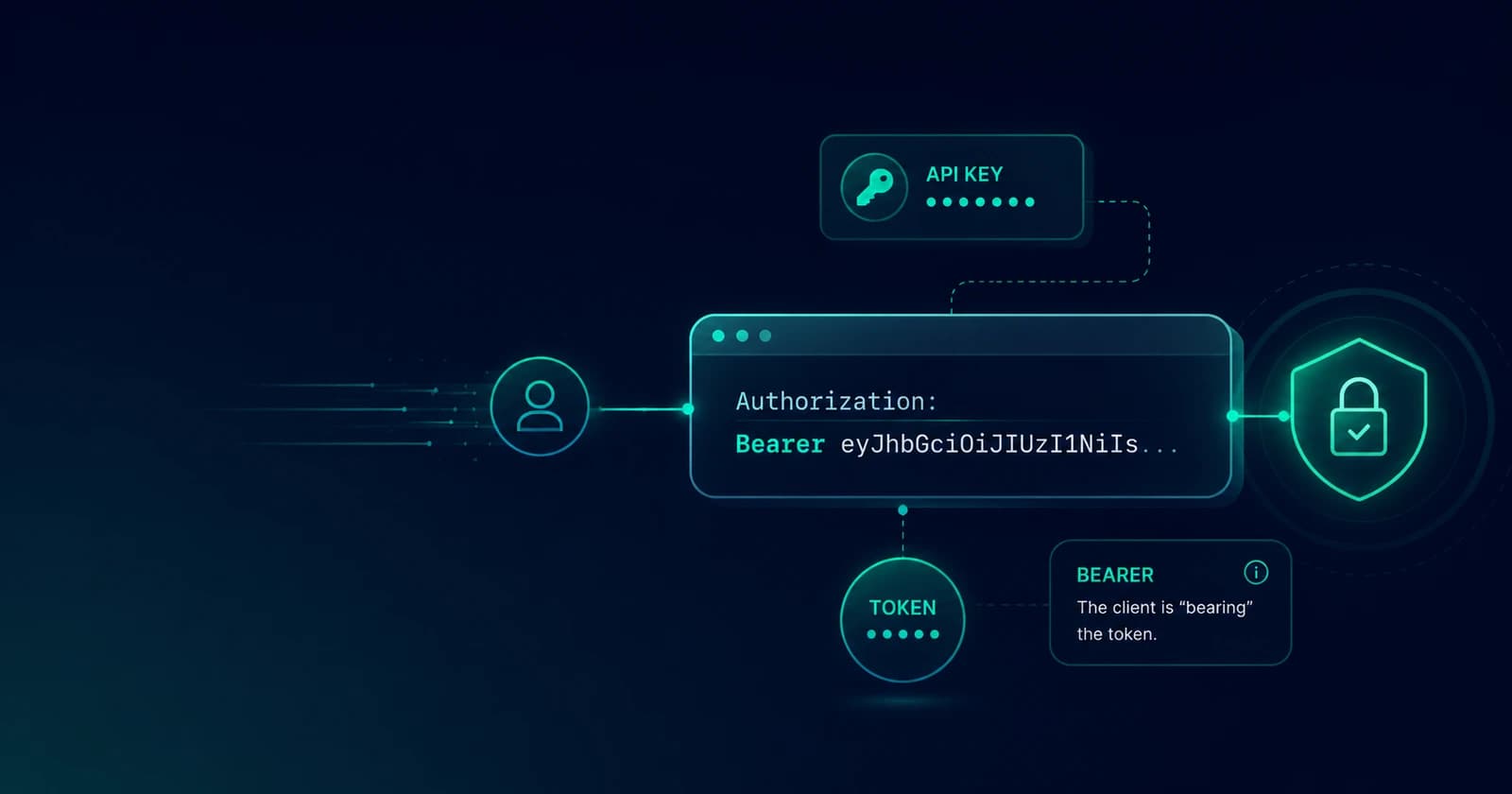
Bearer Tokens Explained: The Authorization Header, API Keys, and What "Bearer" Actually Means
What a bearer token is, the exact Authorization header syntax, how to send one from curl, fetch, axios, and Postman, how bearer tokens differ from API keys and JWTs, and how to generate signed test tokens in your browser.

Mohammed Banani
0
Claps
Every developer who has ever called an API has typed some version of this line:
Authorization: Bearer eyJhbGciOiJIUzI1NiIsInR5cCI6IkpXVCJ9...And most of us typed it long before anyone explained what the word Bearer is doing there, why the token usually starts with eyJ, or how this thing differs from the API key the same service handed us on the dashboard page. The scheme is so common that it fades into boilerplate — right up until a request starts returning 401 Unauthorized and you need to know exactly what the server expects in that header, character by character.
This guide covers what a bearer token actually is, the precise syntax of the Authorization header, how to send one from curl, fetch, axios, and Postman, how bearer tokens relate to API keys, JWTs, and OAuth, and how to generate disposable tokens for testing. If you just need a test token right now, our Bearer Token Generator creates signed JWT-style tokens entirely in your browser — payload, expiry, and secret under your control.
What "Bearer" Actually Means
The name comes from RFC 6750, the OAuth 2.0 Bearer Token Usage spec, and it is unusually honest as names go. A bearer token is a credential where possession is the entire proof. Whoever bears the token gets the access it grants. The server does not check who is presenting it, only that it is valid.
That is the defining property, and it cuts both ways:
- It makes bearer tokens simple. No request signing, no nonces, no clock-synchronized HMAC dance like AWS SigV4. You attach a string to a header and you are done.
- It makes bearer tokens dangerous to leak. A bearer token in a log file, a pasted curl command in Slack, or a browser extension's reach is exactly as useful to an attacker as it is to you. There is no second factor at the moment of use.
Everything else about handling bearer tokens — short expiries, HTTPS-only transport, keeping them out of URLs — follows from that one property.
The Authorization Header, Character by Character
The syntax is strict, and most mysterious 401s are one of these five characters going wrong:
Authorization: Bearer <token>Authorizationis the header name — notAuthentication, a typo that HTTP will happily transmit and every server will happily ignore.Beareris the authentication scheme, capitalized by convention. Per RFC 7235 the scheme is case-insensitive, but real-world middleware is not always so forgiving — sendBearerexactly.- One single space separates the scheme from the token.
- The token itself, verbatim. No quotes around it, no angle brackets, no trailing newline smuggled in by a copy-paste from a terminal.
The failure modes are boringly consistent. If you are staring at a 401 that "should" work, check for: a missing Bearer prefix (sending the raw token alone), a doubled prefix (Bearer Bearer eyJ... — common when a client library adds the prefix and you did too), quotes that came along from a JSON config file, or a truncated token because a shell ate the part after a special character.
Sending a Bearer Token from Every Client You Use
curl — quote the whole header so the shell leaves the token alone:
curl -H "Authorization: Bearer $TOKEN" https://api.example.com/v1/mefetch — build the header value with template syntax and nothing else:
const res = await fetch('https://api.example.com/v1/me', {
  headers: { Authorization: `Bearer ${token}` },
});
axios — either per-request, or once as a default for an authenticated client:
const api = axios.create({ baseURL: 'https://api.example.com' });
api.defaults.headers.common.Authorization = `Bearer ${token}`;
Postman — use the Authorization tab, pick type Bearer Token, and paste just the token. Postman adds the Bearer prefix itself; pasting the full header value here is how you end up with the doubled prefix.
HTTPie — the -A bearer auth flag keeps it out of your shell history less awkwardly than a raw header:
http -A bearer -a "$TOKEN" https://api.example.com/v1/meOne rule spans all of them: the token goes in the header, not the URL. ?access_token=... appears in server access logs, proxy logs, browser history, and Referer headers — RFC 6750 technically permits the query-parameter form and then spends a paragraph telling you not to use it.
Bearer Token vs API Key vs JWT vs OAuth — Untangling the Taxonomy
These four terms get used interchangeably, and they are not even the same kind of thing. The confusion dissolves once you see which layer each one lives at:
| Term | What it actually is |
|---|---|
| Bearer token | A transport scheme: any credential presented as Authorization: Bearer ... where possession grants access |
| JWT | A token format: three Base64url-encoded segments (header, payload, signature) carrying signed claims |
| OAuth 2.0 | An issuance protocol: the choreography by which a client obtains an access token |
| API key | A credential type: a long-lived opaque string identifying a calling application |
So "bearer token" describes how a credential is sent, not what it is. A JWT sent in an Authorization header is a bearer token. An opaque random string from an OAuth server is also a bearer token. Even an API key becomes a bearer token the moment a service asks you to send it as Authorization: Bearer sk_live_... — which several popular APIs do, muddying the water further.
The practical differences worth remembering:
- API keys typically identify an application, live for months or years, and carry no internal structure — revoking one means a database lookup on every request. They answer "which customer is calling?"
- Access tokens (the usual bearer tokens) typically represent a user session or grant, live for minutes or hours, and often carry their own claims. They answer "what is this caller allowed to do right now?"
- JWTs are the most common format for those access tokens because the server can verify the signature and read the claims — subject, scopes, expiry — without a database round-trip.
If a token starts with eyJ, it is almost certainly a JWT: that is {" through a Base64url encoder. Paste it into our JWT Decoder and you can read every claim inside — which is also your reminder that JWTs are encoded, not encrypted, and nothing secret belongs in one. We cover the decode-vs-verify distinction in depth in JWT Decoding and Verification.
Opaque or JWT: How the Server Checks Your Token
From the client side every bearer token is just a string, but servers validate them in one of two ways, and the difference shapes the systems around them.
Opaque tokens are random identifiers with no readable structure. The API validates one by asking the issuing server ("token introspection", RFC 7662) or checking its own session store. Revocation is instant — delete the record — but every request costs a lookup.
Self-contained tokens (JWTs) carry their claims with them, signed. The API validates the signature with a key it already holds and trusts the claims without phoning anyone. That is fast and horizontally scalable, but a stolen JWT stays valid until exp — you cannot un-sign it. Which is why access tokens are short-lived and paired with refresh tokens: the refresh token (held more carefully, often rotated on each use) obtains fresh access tokens, and it can be revoked server-side.
Most production systems in 2026 land on the same compromise: JWT access tokens with lifetimes measured in minutes, refresh tokens with revocation, and HTTPS end to end.
Handling Bearer Tokens Without Getting Burned
The security guidance all derives from possession-equals-access:
- HTTPS only, everywhere. A bearer token over plain HTTP is public. RFC 6750 makes TLS a MUST, not a suggestion.
- Short expiries. An
expclaim minutes away bounds the damage window of any leak. Tokens that never expire are incidents that have not happened yet. - Keep tokens out of logs. The Authorization header should be on your log scrubber's redaction list — this is among the most common real-world leak paths, because default request logging in many frameworks captures headers.
- Never in URLs. Covered above; worth repeating because analytics tooling makes URL leakage permanent.
- Storage in browsers is a trade-off, not a solved problem.
localStorageis readable by any script that runs on your origin (XSS = token theft);HttpOnlycookies dodge that but reintroduce CSRF concerns. If you use in-browser storage, short expiry is your real defense. - Scope narrowly. A token with a
scopeof exactly what the caller needs turns a leak from a master key into a limited key.
Generating Bearer Tokens for Testing
In development you constantly need a token shaped like production's — correct claims, correct expiry, correct signature — without standing up a whole identity provider. Hardcoding one stolen from a staging environment works until it expires at the worst moment, or worse, until it ends up committed.
Our Bearer Token Generator exists for exactly this. You write the JSON payload — sub, iss, aud, scope, custom claims, whatever your backend expects — set an expiry in seconds, and provide an HS256 secret. It adds iat and a random jti, signs the token with the Web Crypto API in your browser (the secret never leaves your machine), and shows you the decoded result plus warnings for the classic test-token sins: default secrets, no expiry, the unsigned none algorithm. If your API verifies HS256 with a shared secret, tokens generated this way verify like the real thing — which makes them ideal fixtures for integration tests and curl sessions.
Then the loop closes with the tools around it: inspect what you built with the JWT Decoder, and if you are debugging the raw segments, the Base64 tool handles the URL-safe alphabet the segments use.
Quick Answers
Is a bearer token the same as a JWT? No — bearer describes how it is sent, JWT describes a format. Most bearer tokens today happen to be JWTs; neither implies the other.
Why do I get 401 even though my token is valid? In rough order of likelihood: missing or doubled Bearer prefix, expired exp, wrong environment (a staging token against production), stray quotes or whitespace, or an aud/iss claim your server rejects.
Can I decode a bearer token? If it starts with eyJ, yes — it is a JWT and the payload is plain Base64url. If it is an opaque random string, there is nothing to decode; only the issuing server knows what it maps to.
How long should a bearer token live? Access tokens: minutes to an hour. Anything longer-lived should be a refresh token or an API key with server-side revocation — not a bearer token you cannot recall.